 iClarus.deviClarus.dev
Our suite of precision tools empowers product teams to guide without friction. Every interaction is a curated milestone in the customer lifecycle.
Build sophisticated onboarding flows without writing a single line of code. Manipulate elements with visual intuition and surgical precision directly on your live site.
Guide your users through complex workflows with curated step-by-step journeys that ensure value discovery.
Broadcast new features, maintenance windows, or urgent updates as site-wide banners. Fully customisable, dismissible, and live in seconds — no deployment needed.
Context-aware micro-copy that appears exactly when your users need it, reducing support tickets and churn.
Quantify the user experience. Track completion rates and identify friction points with our proprietary engine.
Copy-paste our script tag into your site. Takes 30 seconds. Works with any framework, any stack.
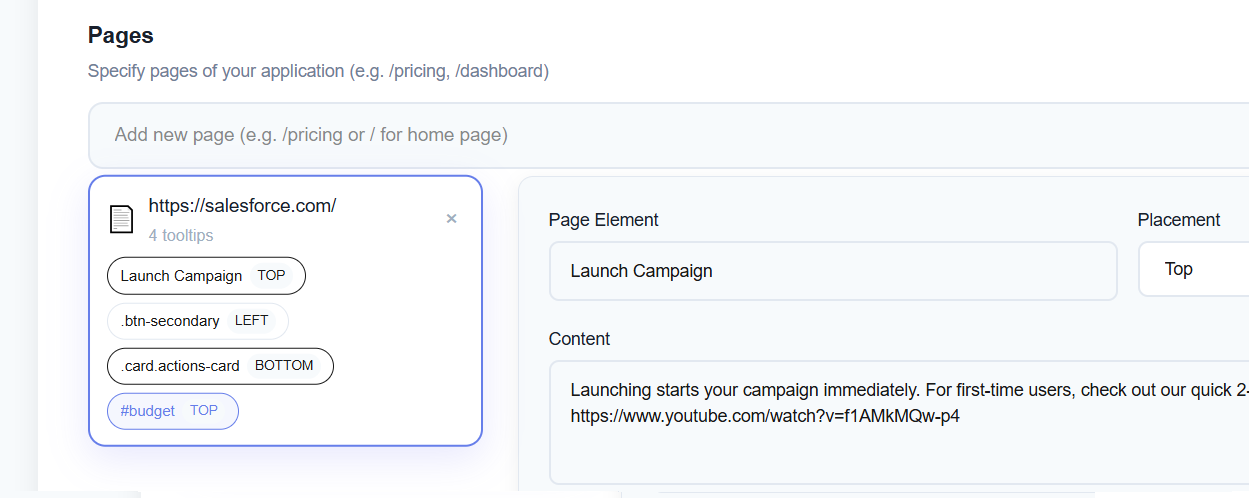
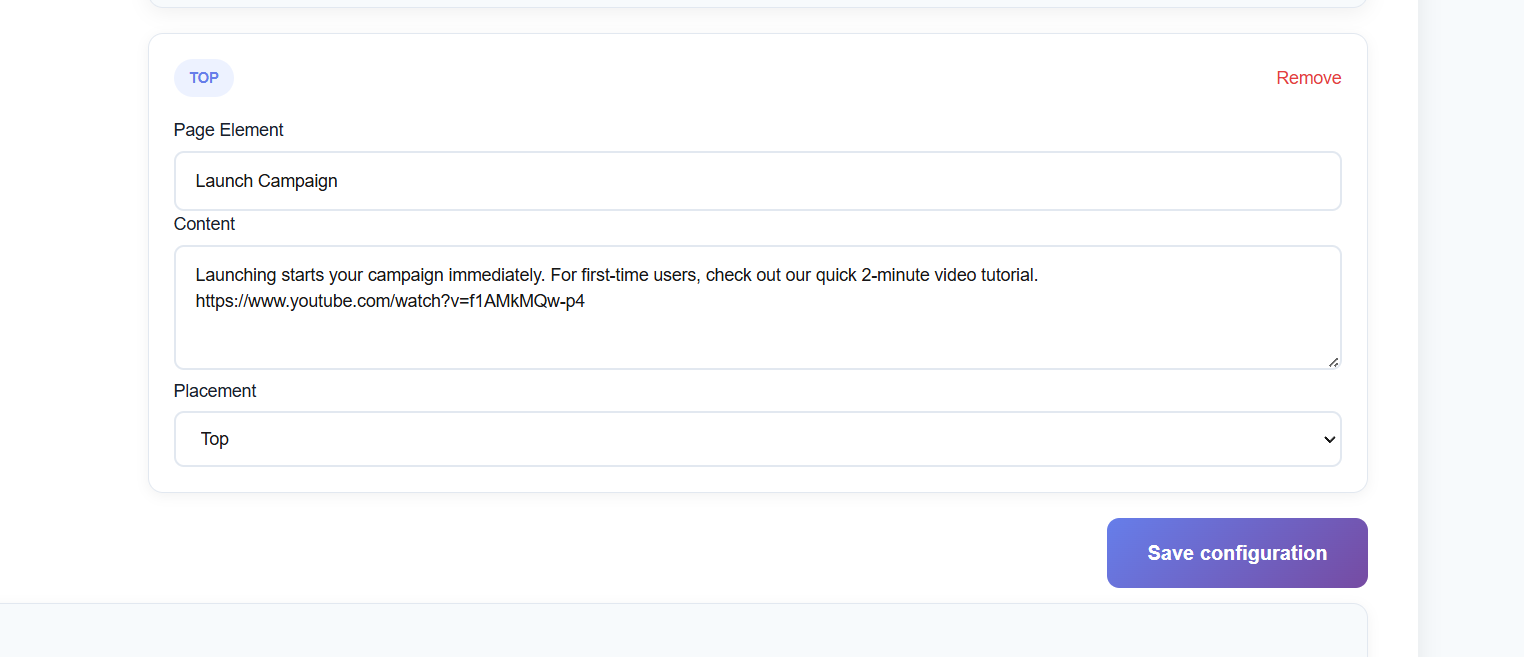
<script src="https://sdk-seven.vercel.app/sdk.js?id={YOUR_ID}"></script>Use our Chrome extension to click any element and write helpful explanations or use our admin panel for advanced configuration.
Tooltips appear automatically on your live site. Update them anytime without touching code or deploying.
"We added tooltips to our billing section last month. Support tickets for "how do I cancel" dropped from 15/week to like 2. Worth every penny."
"Setup was quick, maybe 20 min. Our dev didn't have to touch anything which is a win. Does the job perfectly."
"Tried building docs, nobody read them. Users just figure things out now. It's a completely different experience."
"Using it for our internal dashboard. Way easier to onboard new hires now."
"We needed something our PM could edit without calling engineering. She updates tooltips herself, no tickets. Game changer."
"The Chrome extension is the killer feature. I literally point at an element, write a tooltip, done. Our old solution took hours."