
Getting Started with iClarus: Complete Setup Guide
Three simple steps and you're live.
Step 1: Create an account
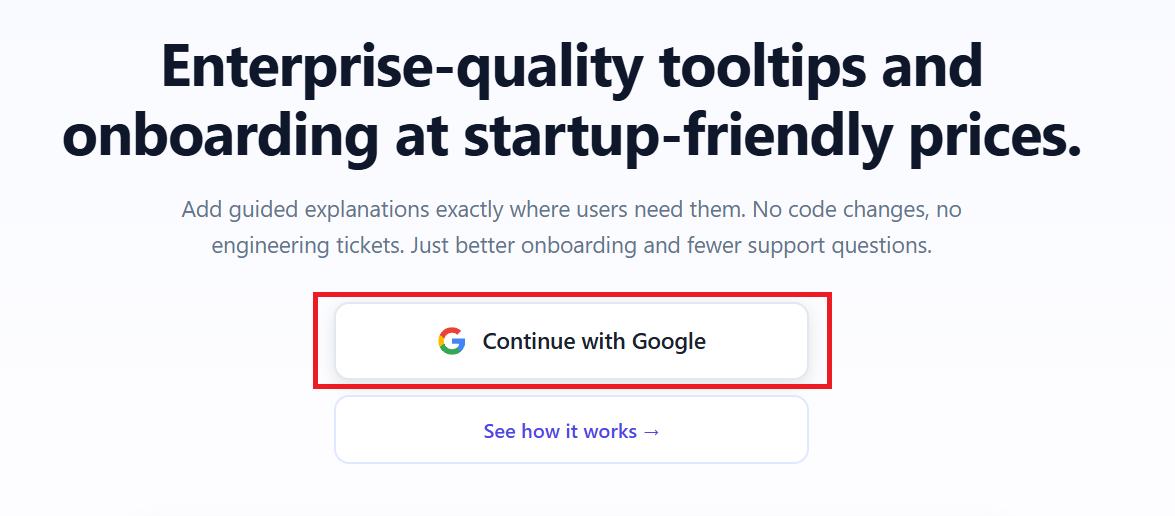
Open iclarus.dev, sign in with your Google account, and you're in. Free trial, no credit card required.
 Step 2: Add one line to your site
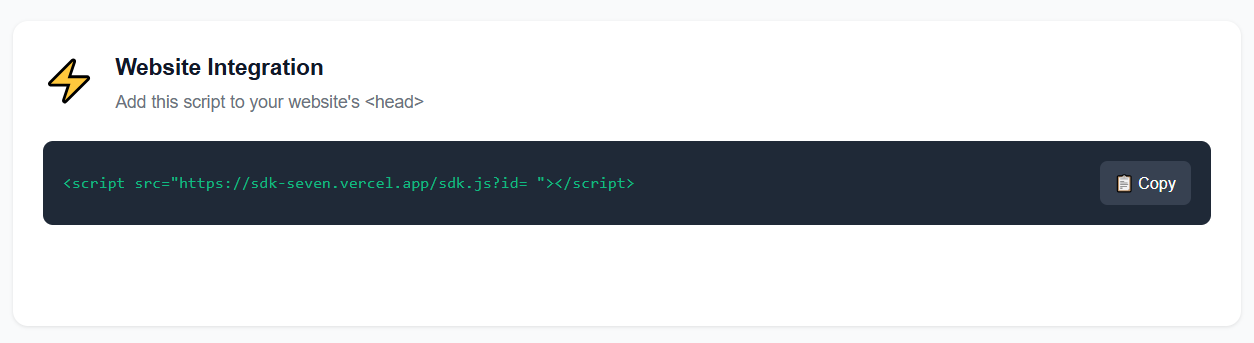
Head to Dashboard and copy your script from the Website Integration block (one line) and drop it into your site's <head>.
 WordPress, Webflow, plain HTML? Here's exactly how to do it for your platform.
Step 3: Install the Chrome extension
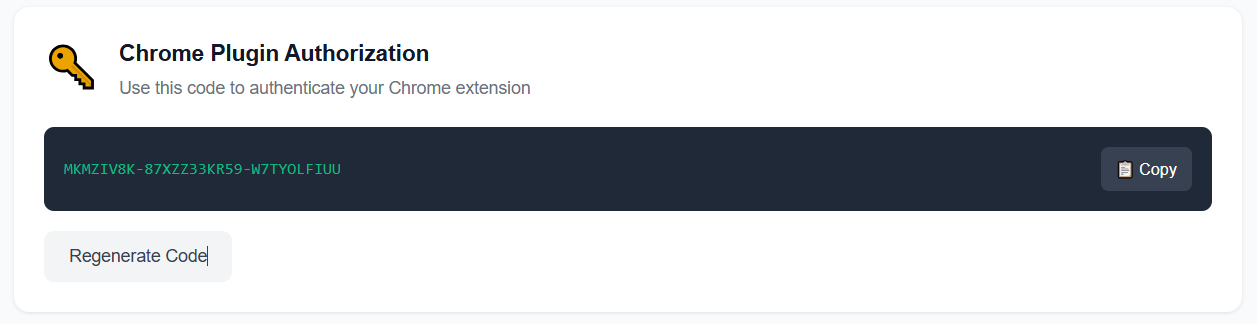
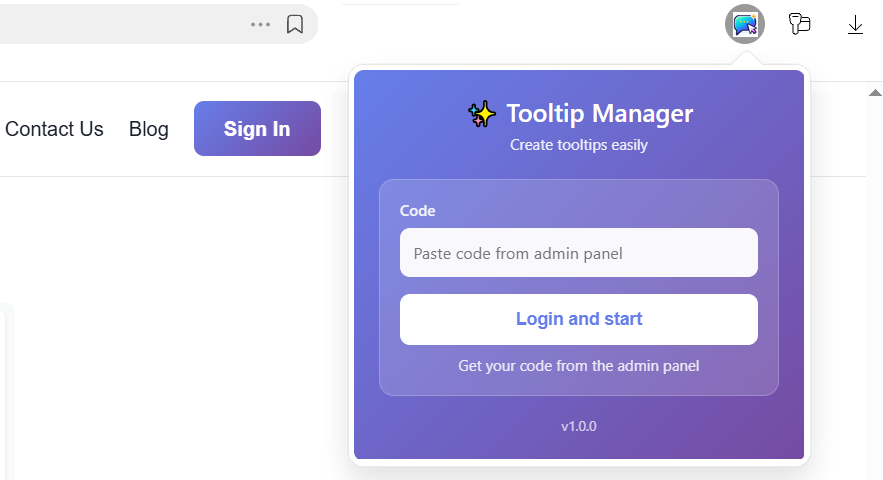
Grab the iClarus extension from the Chrome Web Store. Sign in with the code from Chrome Plugin Authorization.
 This is your visual editor - you'll create tooltips by pointing and clicking, no code needed.
That's it. Your site is ready for tooltips. Now let's make them: Using the Chrome Extension: Point & Click Setup - your next step.